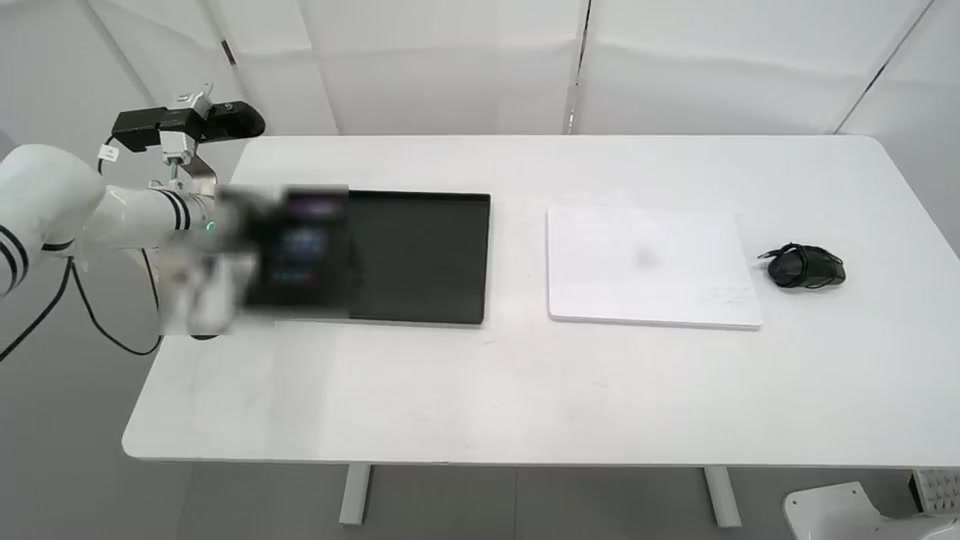
01 / DUAL-ARM LIFT
Coordinated manipulation
Two arms, two grippers and a lift axis.
Object handling, assembly and everyday tasks.
- Tasks
- 169
- Hours
- 6,749
- Preview videos
- 08
 ROBOT & HUMAN MOTION DATA / OCT 2026
HIYIO · EMBODIED INTELLIGENCE
Human demonstrations.
Synchronized signals. Real motion.
Partner data · Privacy-edited technical preview
HUMAN DEMONSTRATION → ROBOT LEARNING
From coordinated tabletop manipulation to tasks across a workspace.
01 / DUAL-ARM LIFT
Two arms, two grippers and a lift axis.
Object handling, assembly and everyday tasks.
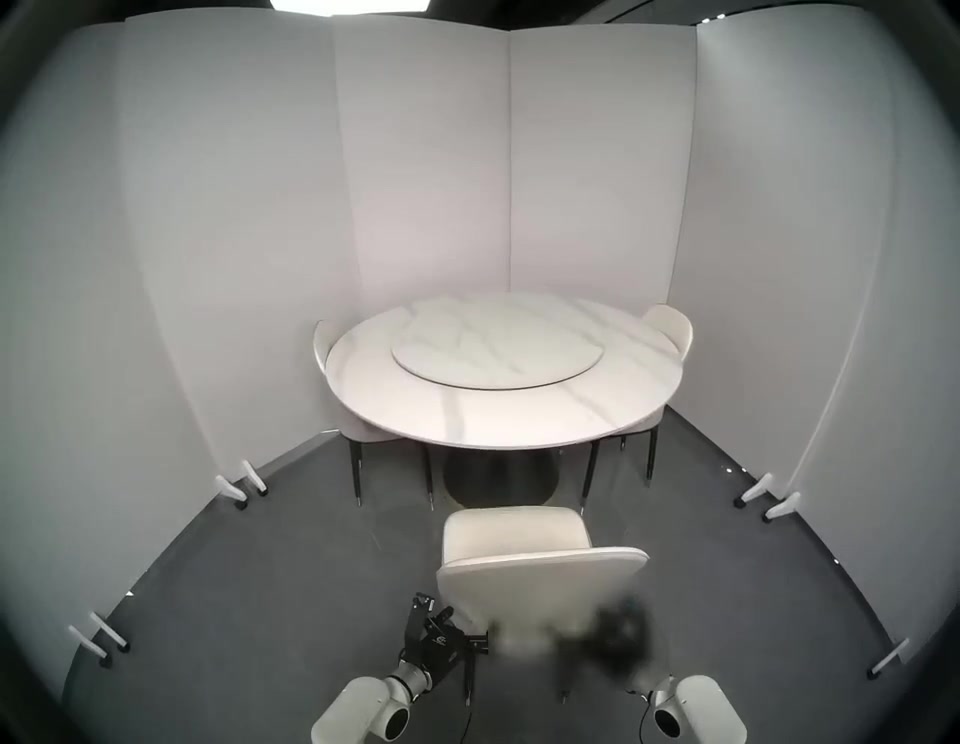
02 / WHEELED HUMANOID
Moving between task locations.
Handling objects in everyday environments.
Figures summarize the supplied inventory. Same-name tasks on different platforms are counted separately. The downloadable preview is a subset.
Eleven real demonstrations. Select a task, play the video or jump to an annotated action.
DUAL-ARM / A01
Videos are edited for privacy and compressed for presentation. Mobile examples currently include video only, without action-level annotations.
Search the supplied inventory by task, platform or environment.
| TASK | ENVIRONMENT | PLATFORM | EPISODES | HOURS |
|---|
Environment categories support browsing. Same-name entries are combined within each platform; unresolved source labels remain marked for review.
A field-level view of the dual-arm example, from raw capture to a training sequence.
Check the schema and control conventions for each platform and delivery.
Dictionary + license ↓Block sorting · Original numerical values, with identifying metadata removed.
LEFT ARM / JOINT 1
Joint position · radOriginal, unshifted channels. Displayed every four frames; no timing correction applied.
The download contains the numerical frame table. Training use requires the corresponding vision, calibration and alignment checks.
The plotted values come from the downloadable Parquet. Command and measured state are separate signals; their difference is not an independently calibrated error metric.
Two complementary views for inspecting geometry and spatial structure.
These are inspection examples. A projection overlay does not establish batch-level calibration accuracy; false-color depth is a visualization, not the raw depth values.
Supplied acceptance references, to be checked against each delivery batch.
RGB ≥ 1280 × 720 · Target 30 fps
Frame intervals: P1 ≥ 23.33 ms and P99 ≤ 43.33 ms, checked per episode and within rolling windows.Camera matching: |mean time difference| < 5 ms
Vision-to-state alignment delay ≤ 5 ms. Timestamp resolution alone does not prove synchronization accuracy.Follower sampling ≥ 195 Hz · Teleoperation side ≥ 62 Hz
Retain measured joints, grippers, poses, force/torque and timestamps. Do not substitute values inferred through inverse kinematics.Review the action, the object and the final state.
Check grasp and placement outcomes, continuous motion, joint limits, modality completeness and privacy.These thresholds describe the supplied criteria, not a claim that the full inventory has been independently validated.
Recorded trajectories drive the model alongside three synchronized camera views.
Load the model, trajectory and camera streams when you are ready.
Drag to orbit, scroll to zoom, and scrub the timeline to inspect motion. The source model geometry and recorded numerical trajectories are retained.
Recorded sequences, with original joint hierarchies and motion channels preserved.
HUMAN MOTION / 3D REPLAY
Play, scrub and orbit the captured motion.
Download each sequence as BVH.
Neutral sample IDs replace identifying filenames. Skeleton replay uses the recorded channels; robot retargeting requires a separate model and mapping.
Webster flip: source video, extracted SMPL-X motion and T800 retargeting.
Online-source footage processed for extraction and retargeting. Original rights remain with their owners. For copyright concerns, contact us for removal.
FROM DEMONSTRATION TO DATA REVIEW
Use real tasks and real signals
to begin a concrete data conversation.
Platform, environment, episode counts and hours.
1,187 frames · 17 action values · 71 state values.
State, action, image streams and frame indices.
Select a task to download its preview and annotations.
Recorded sequences with skeleton replay and BVH downloads.
Webster flip: extracted SMPL-X and retargeted T800 data.
Local downloads include LICENSE.txt and source notices in ZIP packages.
Prepared from shared partner materials · October 2026.
Preview media is edited for privacy. Dataset scope and acceptance remain specific to each delivery.